Dropped your phone in the sink, got caught in the rain, or splashed it at the pool? If the speaker now sounds muffled, crackly, or quiet, water is probably trapped in the speaker grille. The good news: in most cases you can get it out yourself in a few minutes, with no tools and no repair shop.
This guide walks through what works, what doesn’t, and how to use sound to push the water out.
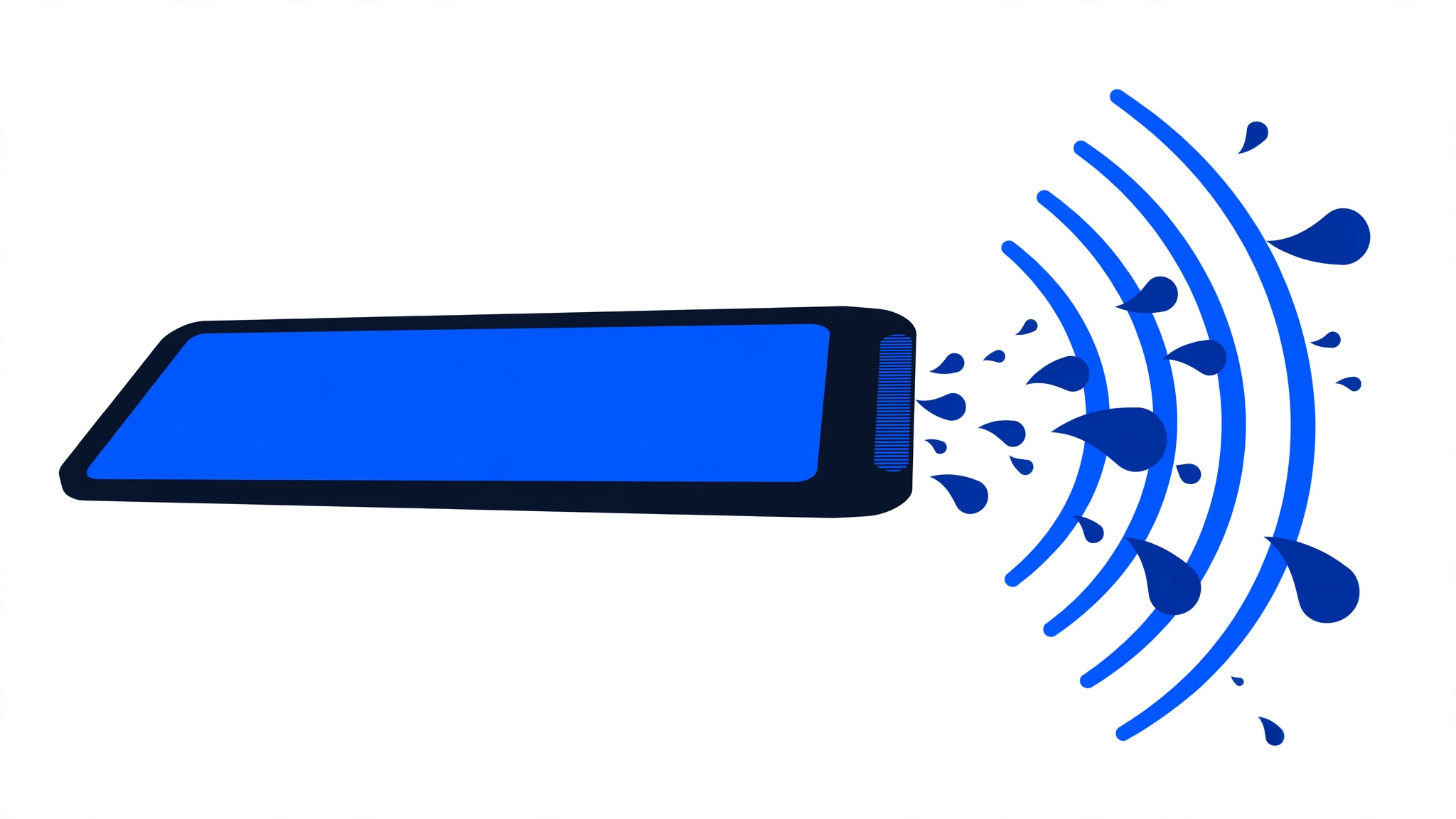
What water does to a phone speaker
A phone speaker is a tiny membrane (the cone) that moves back and forth to make sound. The grille in front of it is a fine mesh. When water gets in, it sits on that mesh and around the cone, held there by surface tension. The speaker still tries to move, but the water dampens it — that’s why everything sounds muffled or distorted.
Most modern phones have some water resistance, which protects the insides. But the speaker grille is open by design — sound has to get out, so water can get in. Water in the grille is annoying, but it rarely means the phone is broken. It just needs to come back out.
Step by step: getting the water out
1. Get the phone out of the water and dry the outside. Wipe it down with a soft cloth. Take the case off — cases trap water against the speaker openings.
2. Hold the phone with the speaker facing down. Gravity helps. Give it a few gentle shakes, speaker down, to let loose drops fall out. Don’t shake it hard; a few light flicks are enough.
3. Play a water eject tone. This is the fastest method. Open MySoundMix in your phone’s browser, turn the volume up, and start the Water Eject mode. It plays a steady low tone around 165 Hz. That frequency moves the speaker cone with strong, even strokes, which shakes the water loose and pushes it out through the grille. Let it run for 30–60 seconds, speaker still facing down. You’ll often see tiny droplets come out.
4. Repeat if needed. If the sound is still muffled, run the tone again. Two or three rounds is normal for a proper soaking.
5. Let the phone air dry. Set it speaker-down on a dry towel in a ventilated spot for an hour or two. Air circulation does the rest. If you have silica gel packets, putting the phone near them helps; they absorb moisture from the air around the phone.
What not to do
A few common ideas do more harm than good:
- Don’t use heat. No hairdryer, no radiator, no direct sun for hours. Heat can warp seals and damage the battery.
- Don’t put it in rice. Rice absorbs moisture very slowly, and starch dust can get into the ports. It’s not the worst thing you can do, but silica gel or plain air drying works better.
- Don’t charge it while it’s wet. If water got into the charging port, wait until everything is fully dry before plugging in. Most phones will warn you about moisture anyway.
- Don’t poke anything into the speaker grille. No pins, no toothpicks. You’ll damage the mesh or the cone.
Why sound works
It sounds odd — using the speaker to fix the speaker — but the physics is simple. A low-frequency tone like 165 Hz makes the speaker cone move back and forth with relatively large, slow strokes. That motion physically dislodges water clinging to the grille and cone, the same way shaking a wet umbrella throws the drops off. Higher frequencies move the cone too fast and shallow to do much; that’s why a dedicated low tone works better than just playing music.
Related guides
- Eject water from an iPhone speaker — iPhone-specific steps and speaker positions.
- What frequency removes water safely — why 165 Hz, and is it safe for the speaker?
- Test your phone speaker in the browser — check whether the speaker is back to normal.
- Clean a phone speaker without an app — the no-install method in detail.
Frequently asked questions
How long does it take to get water out of a phone speaker?
Usually a few minutes. One or two rounds of a water eject tone (30–60 seconds each), plus some air drying time. If the phone was submerged, give it a couple of hours of air drying after the tone.
Is it safe to play the water eject sound at full volume?
Yes, for the short bursts used here. The tone is within what the speaker is built to handle. Just don’t hold the phone to your ear while it plays — it’s loud by design.
My speaker still sounds bad after drying. Is it broken?
Not necessarily. Run the eject tone again and let the phone dry longer — sometimes moisture deep in the grille takes hours to clear. If it still sounds wrong after a full day of drying, the speaker itself may be damaged and worth having checked at a repair shop.
Does this work for the earpiece speaker too?
The method works for any speaker, but the tool’s tone is tuned for the main loudspeaker. For a muffled earpiece, the same drying steps apply; a repair shop can clean it if drying doesn’t help.
Can water in the speaker damage the phone permanently?
Water in the grille alone almost never causes permanent damage — it just blocks sound until it dries. The risk is water getting past seals to the electronics, which is a different problem. If the phone was submerged deeply or for a long time, power it off and let it dry thoroughly before using it.